Rotational power networks
Water wheels, windmills and steam engines turn shafts and cogwheels. Speed and stress limits make every build a small engineering problem with a visible answer.
Unleash your creativity with Create Mod Modrinth! Discover a new world of Minecraft engineering, automation, and innovation. Build powerful machines, design intricate contraptions, and transform your gameplay with endless possibilities. Explore the latest Create Mod versions and take your Minecraft experience to the next level!
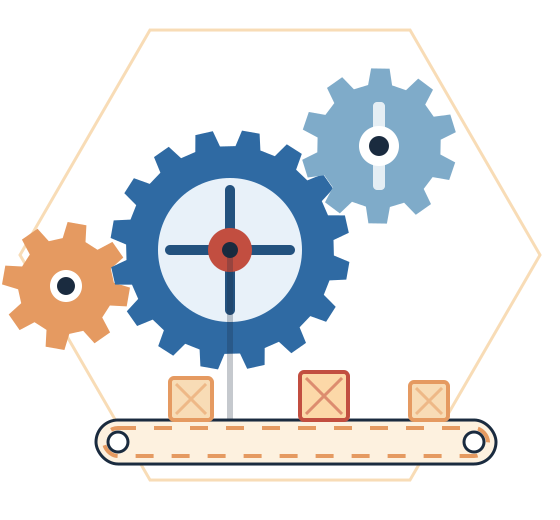
Kinetic powerspeed and stress
Ponderin-game tutorials
Java Edition onlynot for MCPE
Meet the mod
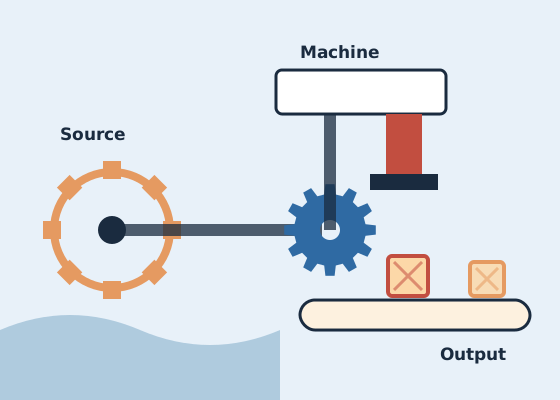
Create is a mod for Minecraft: Java Edition made by the Creators of Create team, a project started by simibubi. Instead of invisible energy stored in batteries, it uses physical rotation: you build a power source, connect it with shafts and cogwheels, and watch machines work in front of you.
The phrase "Create Mod Modrinth" usually means the Create project page on Modrinth, one of the two main sites where the mod is published. The other is CurseForge. This website is not either of them, and it is not run by the Create team. It explains the mod, where its files come from and how to use them.
Core features
Six systems that work together. Each one is useful alone and much more interesting when connected to the others.
Water wheels, windmills and steam engines turn shafts and cogwheels. Speed and stress limits make every build a small engineering problem with a visible answer.
Presses, mixers, millstones, crushing wheels and saws turn raw materials into parts. Encased fans can wash, smoke or blast items in bulk as they pass through air currents.
Belts, funnels, chutes, depots and mechanical arms move items between machines. Newer releases add package-based logistics for sending items around a base.
Mechanical bearings, pistons, pulleys and gantries pick up blocks and move them as one structure, which makes drills, harvesters, elevators and doors possible.
Custom-built trains run on placed tracks with stations, signals and schedules, so cargo and passengers can travel between distant parts of a world.
Hold the Ponder key over a Create item to watch an animated scene explaining how it works, without leaving the game or opening a wiki.
How it works
Most players progress through the mod in roughly this order. Each stage builds on the rotation you set up in the one before.
Start with a hand crank or water wheel. Rotation is the only power Create machines understand.
Carry rotation with shafts, cogwheels, gearboxes and belts, changing speed with cogwheel pairs.
Point presses, mixers and crushers at the network to turn ores and crops into useful parts.
Link machines with belts, funnels and arms so items move from one step to the next without you.
Assemble contraptions or trains, and your factory starts reaching beyond a single room.
Use cases
Turn repetitive chores such as ore processing, crop harvesting and smelting into machines you design once and then improve over time. Create rewards planning without requiring redstone expertise.
Visible machinery makes large bases feel alive. Belts, chutes and rotating shafts become part of the architecture.
Shared rail networks and trading hubs give groups a reason to connect their builds.
Create is a common centrepiece for technology packs.
Gear ratios and load limits turn physics ideas into something you can test.
The source is open, so developers can study it, build it and write addons that extend it. The archive on this site is aimed at exactly this group.
Compatibility
Create is released per Minecraft version and per loader. Search terms like MCPE or Fabric do not mean every variant exists, so here is what is actually available.
Always check the file itself. Supported versions change over time. The version page of the file you download is the final word on game version and loader.
| Platform or setup | Status | Notes |
|---|---|---|
| Minecraft: Java Edition | Supported | The only edition Create is made for. |
| NeoForge, Minecraft 1.21.1 | Supported | The line the linked mc1.21.1/dev source branch belongs to. |
| Forge, Minecraft 1.20.1 | Check release | Create has released builds for this version; confirm on the project page. |
| Fabric | Separate port | Available through Create Fabric, a community port with its own releases. |
| Minecraft PE / Bedrock | Not supported | Bedrock cannot load Java mods. |
| Windows, macOS, Linux | Supported | Anywhere Java Edition runs with the required Java version. |
| Dedicated servers | Supported | Server and all clients need matching versions. |
Guides & tutorials
Practical walk-throughs for the questions people ask most about Create.
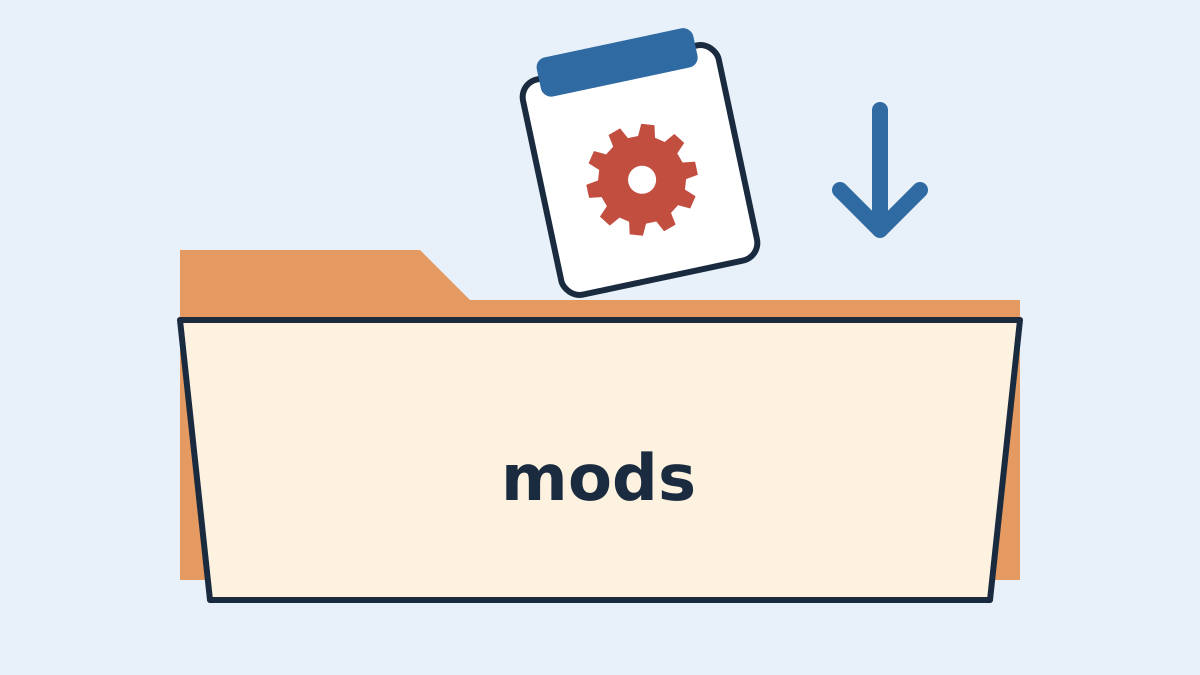
Step-by-step setup for Create on Minecraft 1.21.1: install NeoForge, add the correct Create release to your mods folder, launch safely and set up a server.
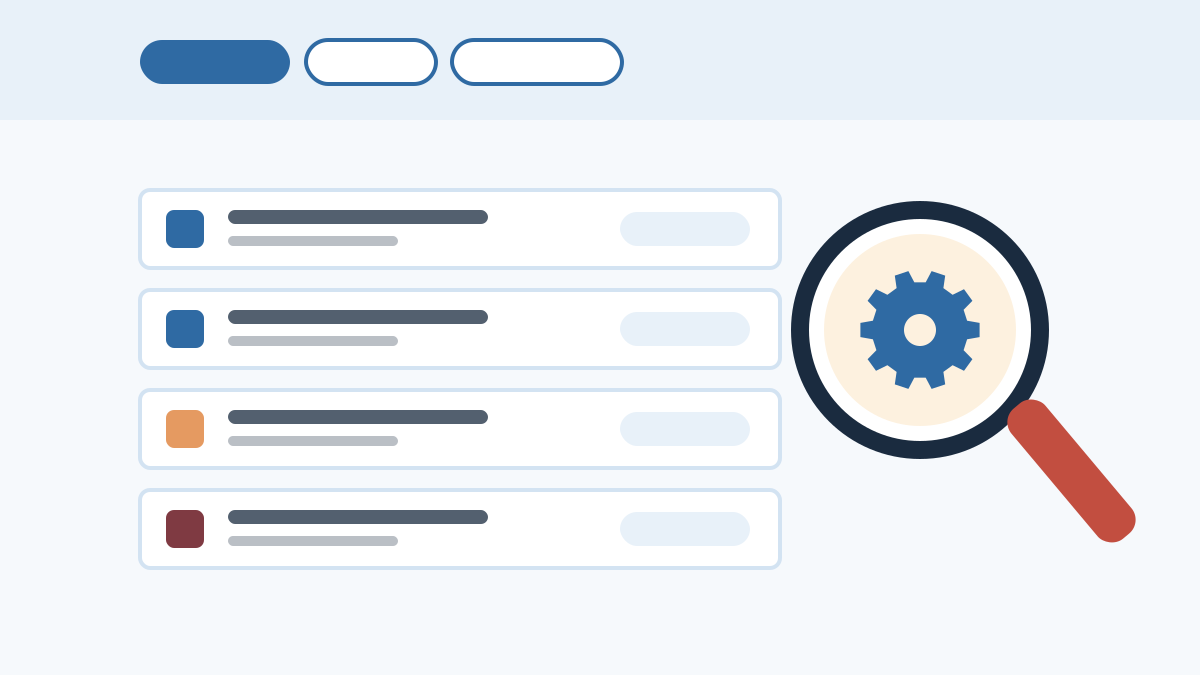
How to find Create on Modrinth, confirm the real project, filter by Minecraft version and loader, read release channels and avoid grabbing the wrong file.
Create's main builds target NeoForge and Forge. Here is what the separate Create Fabric port is, why its versions can lag, and how to install it correctly.
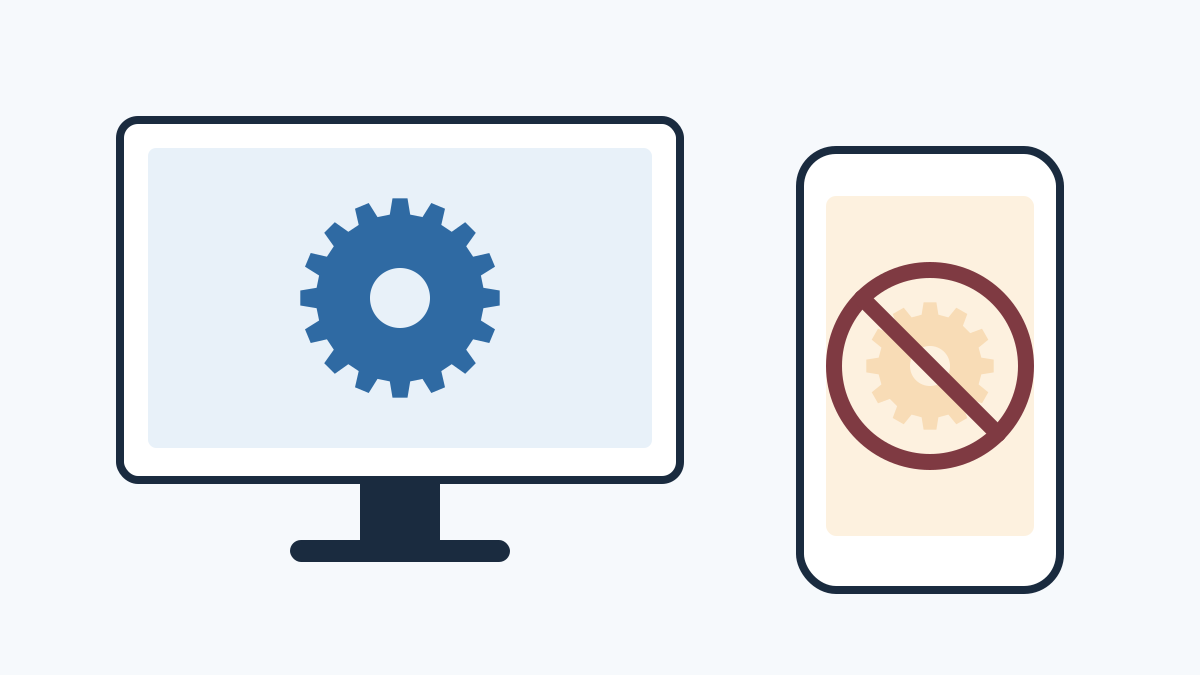
Create is a Java Edition mod, so it does not run on Minecraft PE or Bedrock. Learn why, what 'Create MCPE' downloads really are, and your realistic options.
Pros and cons
An honest look before you commit a world to it.
Setup guide
Two routes, depending on whether you want to play or to work with the source code offered on this page.
.jar in
.minecraft/mods or your instance's own mods folder.gradlew.bat build on Windows,
./gradlew build on macOS and Linux.build/libs and keep
it away from important worlds.
Free download
This button downloads the source-code archive of Create's mc1.21.1/dev branch from the
Creators-of-Create/Create repository on GitHub. It is intended for building, testing and studying the mod.
This is a development snapshot, not a packaged release, and it cannot be placed in your mods folder as-is. To play, use a released jar from the official Create project page. File contents come from GitHub and may change as the branch is updated.
Release details
The linked archive always reflects the current state of the 1.21.1 development branch, so there is no fixed version number or date attached to it. Two downloads made a week apart can contain different code.
For stable, numbered releases with changelogs, use the version list on the official Create project page. Development branches may include unfinished features, temporary bugs or changes that are later reverted.
Troubleshooting
The quickest fixes for issues players run into most. For detailed steps, see the Create crash fix guide.
Check the loader and Minecraft version on the file. A NeoForge 1.21.1 build only runs on NeoForge 1.21.1; Fabric players need the separate Create Fabric port.
Download every dependency listed on the Create version page for the same game version and loader, then relaunch.
It is source code, not a mod jar. Build it with JDK 21 and the Gradle wrapper, or use a release jar for normal play.
Load is higher than capacity. Add power, run the machines slower, or split the network into separate lines.
Your mod list does not match the server. Match the Create version, loader version and every addon exactly.
The addon likely targets another Create version. Update it or remove it until a compatible release is available.
Got questions?
Twenty answers about Create, grouped into downloads and gameplay.
It is the search phrase many players use for the Create mod as listed on Modrinth. Create is a Minecraft: Java Edition mod by the Creators of Create team that adds rotational power, machines, automation and moving contraptions. This website is an independent guide to it.
No. Create Mod Modrinth is an independent fan guide. It is not affiliated with the Creators of Create team, Modrinth, CurseForge, Mojang or Microsoft.
A ZIP archive of the source code of Create's mc1.21.1/dev branch from the Creators-of-Create/Create repository on GitHub. It is development source code, not a ready-to-play mod jar.
No. The mods folder expects compiled .jar files. The source must be built with a JDK and the included Gradle wrapper first. If you only want to play, use a released Create jar from the official project page on Modrinth or CurseForge.
The 1.21.1 line of Create is built for NeoForge, while the 1.20.1 line uses Forge. Always confirm the loader listed on the exact file you download.
The main project does not target Fabric. A separate community port called Create Fabric, maintained by the Fabricators of Create team, is published as its own project. Its supported versions can lag behind the main mod, so check its page before building a pack.
No. Create is a Java Edition mod and Bedrock Edition cannot load Java mods. Pages offering Create for MCPE are unrelated add-ons or unsafe downloads.
Yes. The Create team publishes on both platforms. Choose the one that matches your launcher or modpack; the mod itself is the same.
You need the matching mod loader. Any additional requirements are listed on each Create version page, and launchers that read those pages can install them automatically.
Yes. Create is free to download, and its source code is published on GitHub under the MIT License.
Power networks driven by water wheels, windmills and steam engines; automated farms and ore processing; item logistics with belts, funnels and mechanical arms; moving contraptions; and rail networks with trains.
Stress units (SU) measure load on a kinetic network. Power sources provide capacity, machines consume it, and a network whose load exceeds capacity stops until you add power, lower speed or split it.
Use Ponder. Hover over a Create item in your inventory and hold the Ponder key, W by default, to watch an animated in-game explanation.
Yes. Create includes a train system with tracks, stations, signals and schedules for moving players and cargo across your world.
Generally yes, but back the world up first. Create's new ores such as zinc only generate in chunks that have not been explored yet.
Yes. Install the same Create version on the server and on every client, along with matching addons and loader versions.
The usual causes are the wrong loader, a Minecraft version mismatch, a missing dependency, the wrong Java version, duplicate Create jars or an outdated addon. The latest.log file and crash-reports folder show which one.
Very large factories, thousands of items on belts and many moving contraptions at once can cost performance. Stopping idle machines and storing items instead of buffering them on belts helps a lot.
Back up your world, check that your addons support the new version, replace the old jar with the new one and keep only one copy. Avoid downgrading a world to an older Create version.
No. Addons are built against specific Create versions, and major updates can break them. Check each addon's page for the Create version it supports.